14 days
regression lookback
10%
regression threshold
SHA-256
content hash
1.0 Prompt Management
Version History & Trace Linkage
What you get
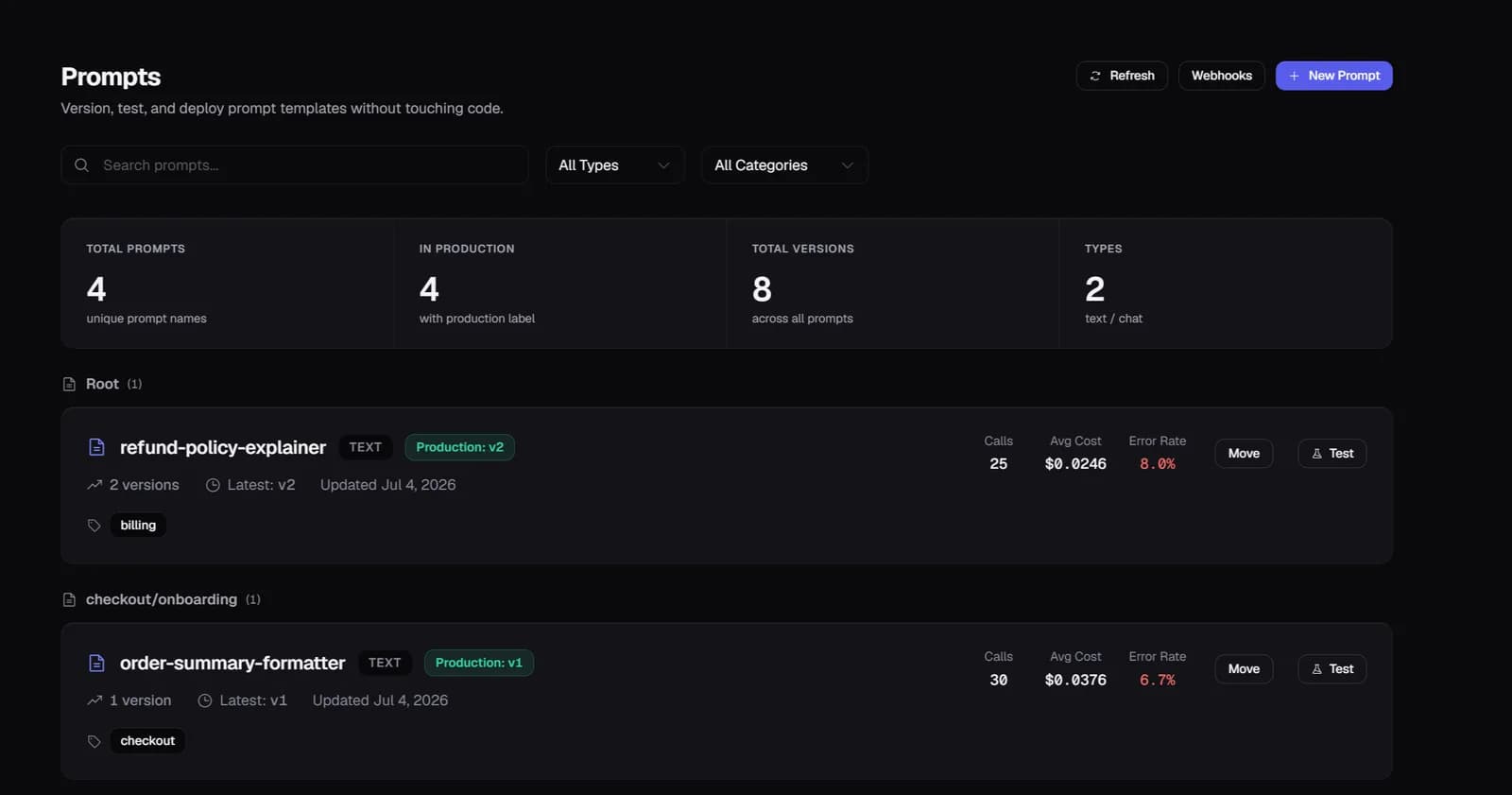
Every prompt change creates an immutable version with a SHA-256 content hash. The hash is stored as promptHash on every trace generated by that prompt — creating a bidirectional link between traces and the exact prompt version that produced them.
2.0 Prompt Management
Automatic Regression Detection
What you get
When you promote a version to production, a background job compares eval scores for the new version against the previous 14 days. If any evaluator drops more than 10 percentage points, ZespanPilot notifies you with before/after scores per evaluator.
3.0 Prompt Management
AI Prompt Optimization
What you get
The optimizer analyzes your traces and suggests specific improvements: model switch, prompt compression, or rewrite. Each suggestion includes projected cost savings and can run as a background job for large prompt sets.
4.0 Prompt Management
Runtime SDK Fetch
What you get
PromptClient fetches prompt content at runtime by name + label. Content is cached in Redis and invalidated automatically when a new version is promoted — your app always runs the current production prompt without a redeployment.
Setup
Two lines of code.
Running in minutes.
No forking and no architecture changes. Traces appear within seconds of the first agent run, with cost attribution, eval scores, and anomaly alerts on by default.
Common questions
How does regression detection work exactly?
When you promote a prompt version to the production label, Zespan runs a background job that queries eval scores for traces using the new version vs. traces from the previous 14 days. If any evaluator score drops more than 10 percentage points, a quality_regression ZespanPilot notification fires with the before/after breakdown.
Can I compare two prompt versions side by side?
Yes. The prompt version view shows per-version metrics (eval scores, usage count, latency, cost). You can compare any two versions. The Simulations feature lets you run both versions against the same dataset and compare results head-to-head.
What's the protected label feature?
Certain labels — like production — require admin permission to assign. This prevents developers from accidentally promoting experimental prompts to production without review. You configure which labels are protected in project settings.
Does the SDK cache prompts locally?
Yes. PromptClient caches prompt content in Redis. When you promote a new version, the configVersion bumps and is returned in the next SDK ingest response — triggering SDK clients to refetch. Cache invalidation is automatic and doesn't require your app to restart.
Explore more features
All features →