7
types
4
actions
50ms
min latency cap
1.0 Guardrails
7 Guardrail Types
What you get
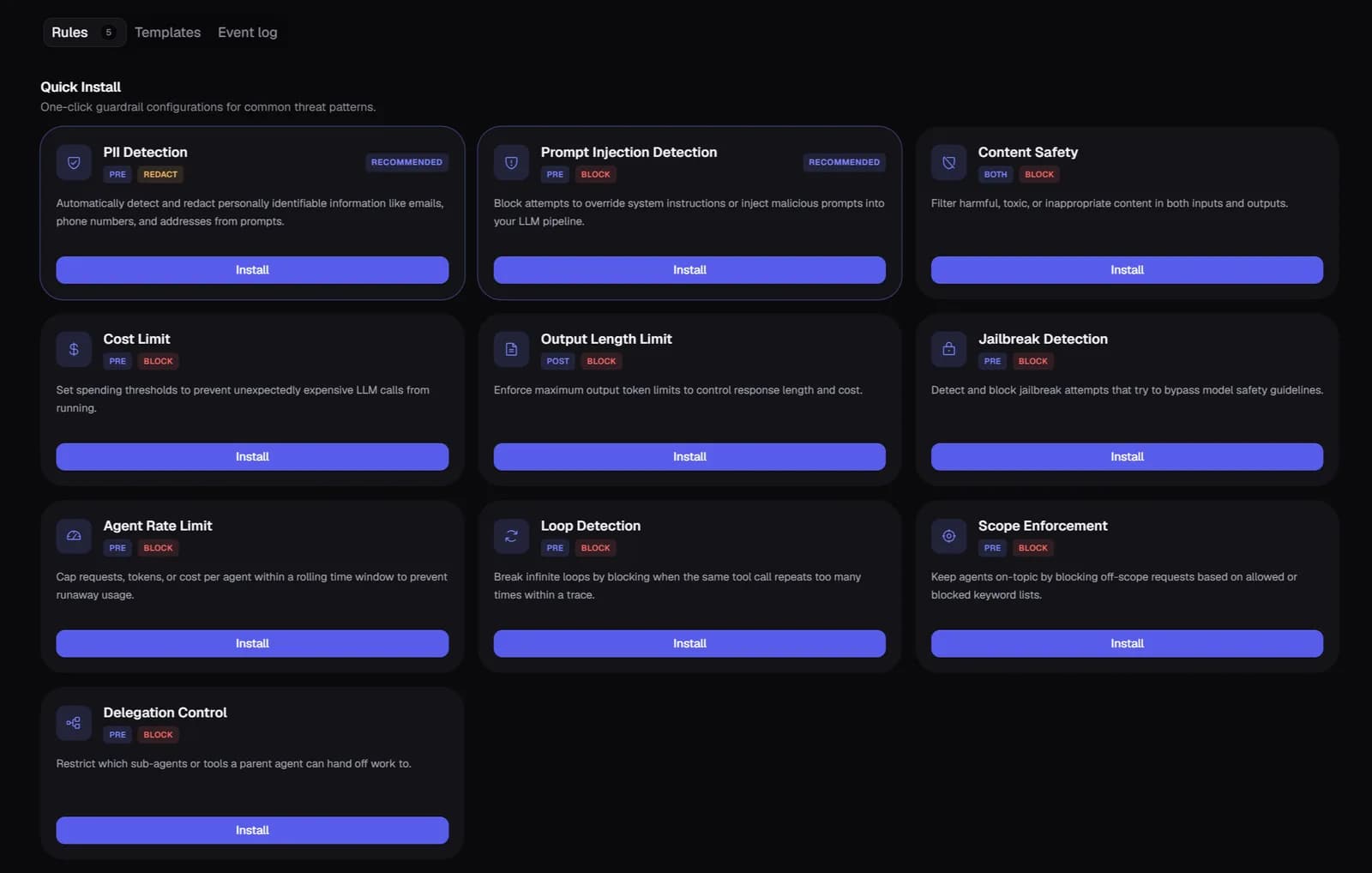
PII detects and redacts personal data. Toxicity blocks harmful content. Topic boundary prevents scope creep. Format enforces output structure. Cost ceiling blocks expensive requests. Custom LLM uses your own judge prompt. Regex handles exact pattern matching.
2.0 Guardrails
4 Actions: Block, Warn, Redact, Log
What you get
Block rejects the request and returns a GuardrailBlockedError. Warn logs the issue and allows through. Redact removes matching content and allows the modified text through. Log records without interfering.
3.0 Guardrails
Live Test Before Deploying
What you get
Pass any draft guardrail config and arbitrary input text to the live test endpoint — no save required, no deployment needed. See exactly what would be blocked, warned, or redacted before it goes live.
4.0 Guardrails
Execution Logs & Metrics
What you get
Every guardrail check is logged: slug, passed/failed, action taken, reason, modified text, and latency. Time-range metrics (pass/block/warn/redact rates) available for 24h, 7d, 30d. All config changes written to audit log.
Setup
Two lines of code.
Running in minutes.
No forking and no architecture changes. Traces appear within seconds of the first agent run, with cost attribution, eval scores, and anomaly alerts on by default.
Common questions
Do guardrails add latency to my LLM calls?
Only pre-call guardrails add latency — they run before the LLM call. Post-call guardrails run after and don't affect your response time. For pre-call guards, you can configure a max latency cap (50ms–30s) so a slow guardrail never blocks the request.
What happens when a guardrail blocks a request?
The SDK throws a GuardrailBlockedError with a reason field. Catch this error in your application and handle it — return a fallback response, log it, or show the user an appropriate message.
Can I scope a guardrail to only apply to certain agents?
Yes. Each guardrail has an agent filter field — set it to specific agent names and that guardrail only runs for those agents. Different agents can have different safety rules on the same project.
What's the difference between a custom LLM guardrail and a regex guardrail?
Regex guardrails use pattern matching — they're fast (sub-millisecond) and deterministic, ideal for exact strings, known PII formats, or prohibited phrases. Custom LLM guardrails use an LLM as judge — slower but understand context, semantics, and nuance. Use regex for rules you can fully specify; use custom LLM for rules that require judgment.
Are guardrail results cached?
Yes. Guardrail results are cached by input hash via CacheLayer. If the same input is seen again, Zespan returns the cached result without re-running the check — saving latency and LLM judge costs on repeated inputs.
Explore more features
All features →