100
scenarios per batch
500
items per dataset
3
scenario types
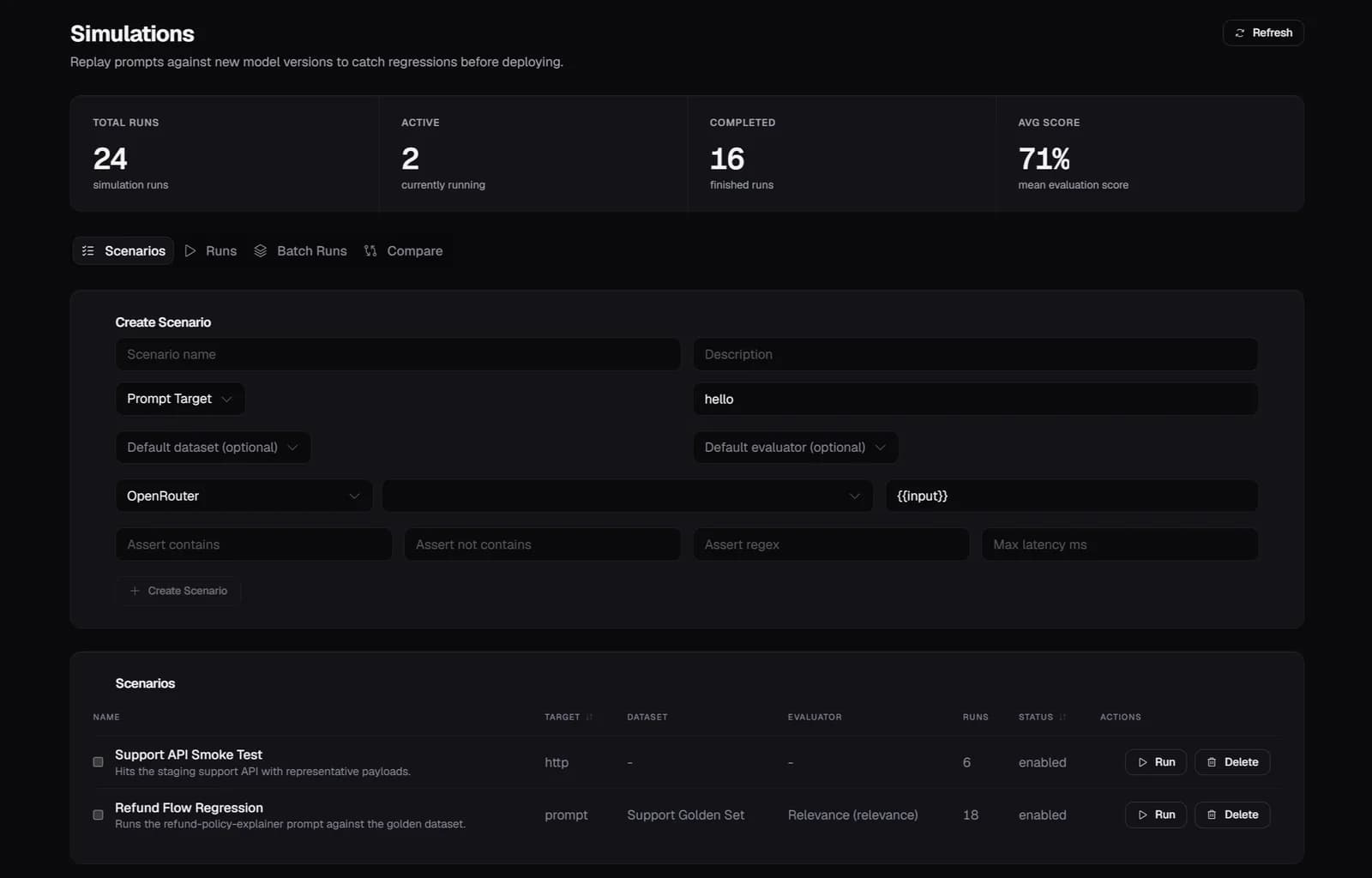
1.0 Simulations
3 Scenario Types
What you get
Prompt scenarios run a template against input items. HTTP scenarios call an external endpoint and evaluate the response. Conversation scenarios simulate multi-turn exchanges end to end. Attach a default dataset and custom LLM evaluator per scenario.
2.0 Simulations
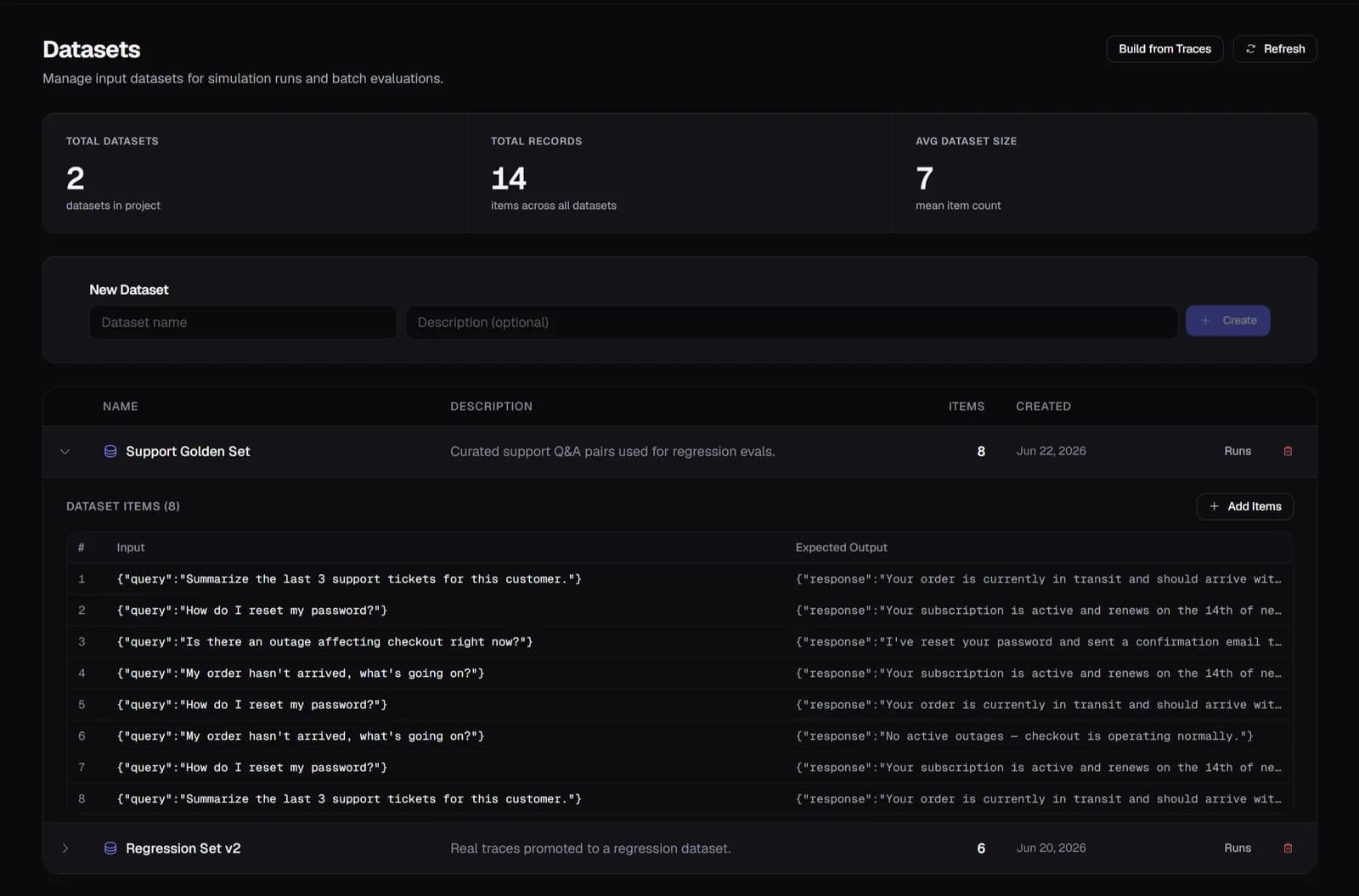
Datasets
What you get
Named datasets hold your test inputs with optional expected outputs and metadata. Add up to 500 items per call. Datasets persist per project and can be reused across multiple simulation scenarios.
3.0 Simulations
Trace-to-Dataset
What you get
Select any production trace and add it to a dataset in one click. Turn real failures, edge cases, and high-cost outliers into regression tests without copy-pasting. Build test coverage from incidents as they happen.
4.0 Simulations
Batch Runs & Progress
What you get
Run up to 100 scenarios in a single batch with a full dataset as input. Runs execute asynchronously with real-time progress tracking. Tag batches with experiment labels for comparison across changes.
Setup
Two lines of code.
Running in minutes.
No forking and no architecture changes. Traces appear within seconds of the first agent run, with cost attribution, eval scores, and anomaly alerts on by default.
Common questions
What assertions can I configure per scenario?
Each scenario supports: contains (output must include a string), not_contains (output must not include a string), regex (output matches a pattern), and max_latency_ms (response must arrive within N milliseconds). You can also attach a custom LLM evaluator for scoring beyond simple assertions.
How do I run a simulation before deploying a prompt change?
Create a dataset from production traces (or manually). Set up a prompt scenario with the new prompt version and your regression dataset. Run the batch — if any assertions fail or eval scores drop, you see it before any code ships. This is your LLM CI/CD pipeline.
What's the difference between a simulation run and an evaluation run?
Simulation runs test a specific scenario against your own application endpoint or prompt template — they're end-to-end tests you control. Evaluation runs score existing traces using an LLM judge — they measure quality after the fact. They're complementary: simulations for pre-deploy testing, evaluations for ongoing production monitoring.
Can I run simulations against a live HTTP endpoint?
Yes. HTTP scenarios call any URL you configure, send the dataset item as input, receive the response, and evaluate it with your assertion config or custom LLM evaluator. Useful for testing a staging environment before promoting to production.
Explore more features
All features →