The problem
No access control across projects
Multiple teams share AI infrastructure. Any engineer can see any project's traces, prompts, and cost data — including sensitive customer conversations.
No audit trail for AI changes
Compliance requires documentation of every prompt change, guardrail modification, and billing action. You don't have that trail. Auditors will ask.
No proof that outputs are monitored
Legal and security want assurance that AI outputs are actively monitored and controlled. You have logging — not governance.
How Zespan helps
Access rides on identity you already manage, not a separate password to lose track of
SSO through your existing identity provider means access to a system that touches customer conversations and prompts isn't one more login your security team has to separately audit and offboard.
What a person can change is scoped to what their role should allow, enforced on the server
A viewer can see dashboards and traces. Only an admin can promote a prompt to production or change a guardrail. That's checked on every API route, not just hidden in the UI — so it's a real control, not a suggestion a determined engineer can route around.
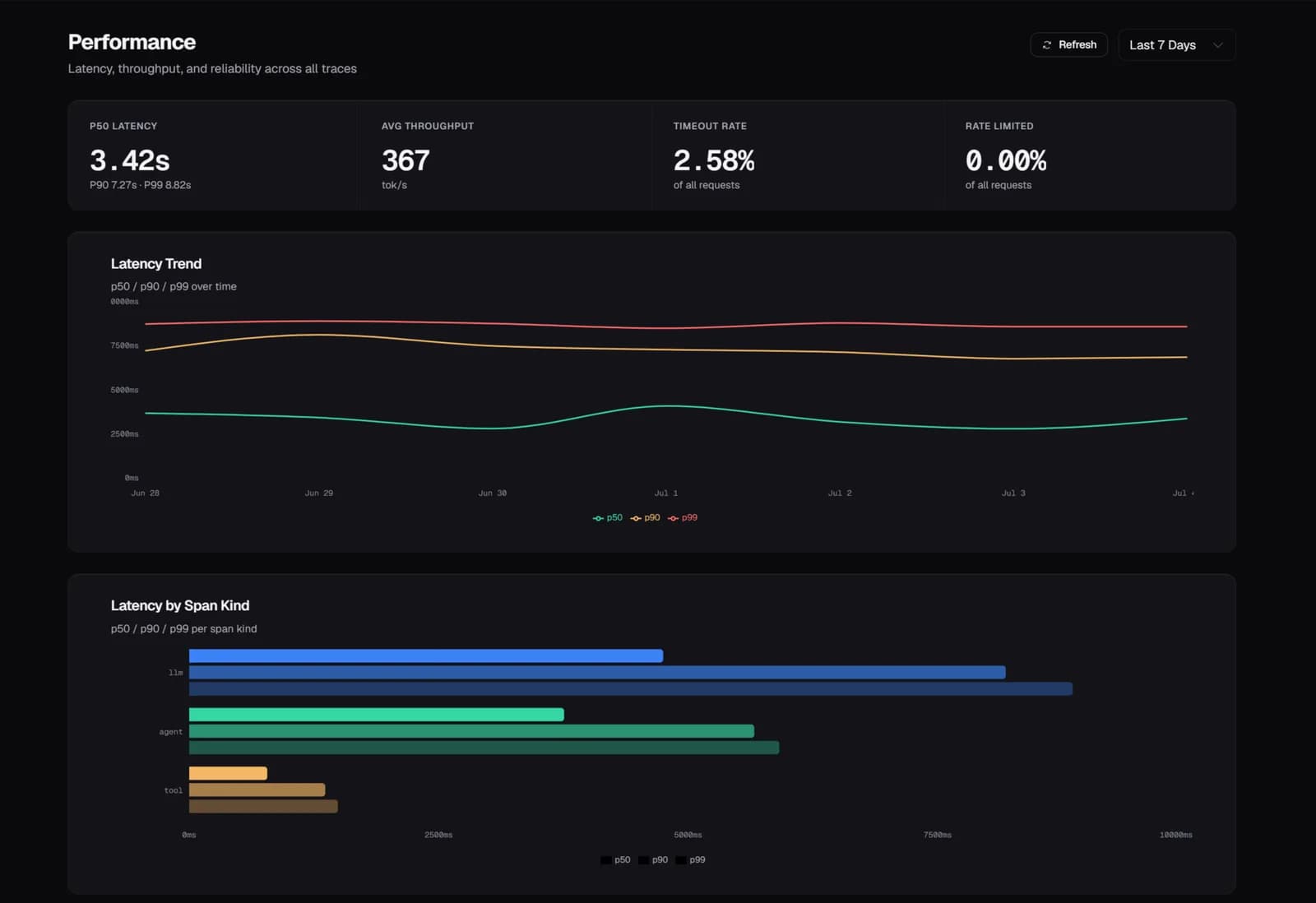
Every guardrail action is evidence, not just a live control
A PII or toxicity rule doesn't just block or redact in the moment — every execution and every config change is logged with who changed what. When a security review asks whether AI outputs are actively monitored, this is the answer, not a promise.
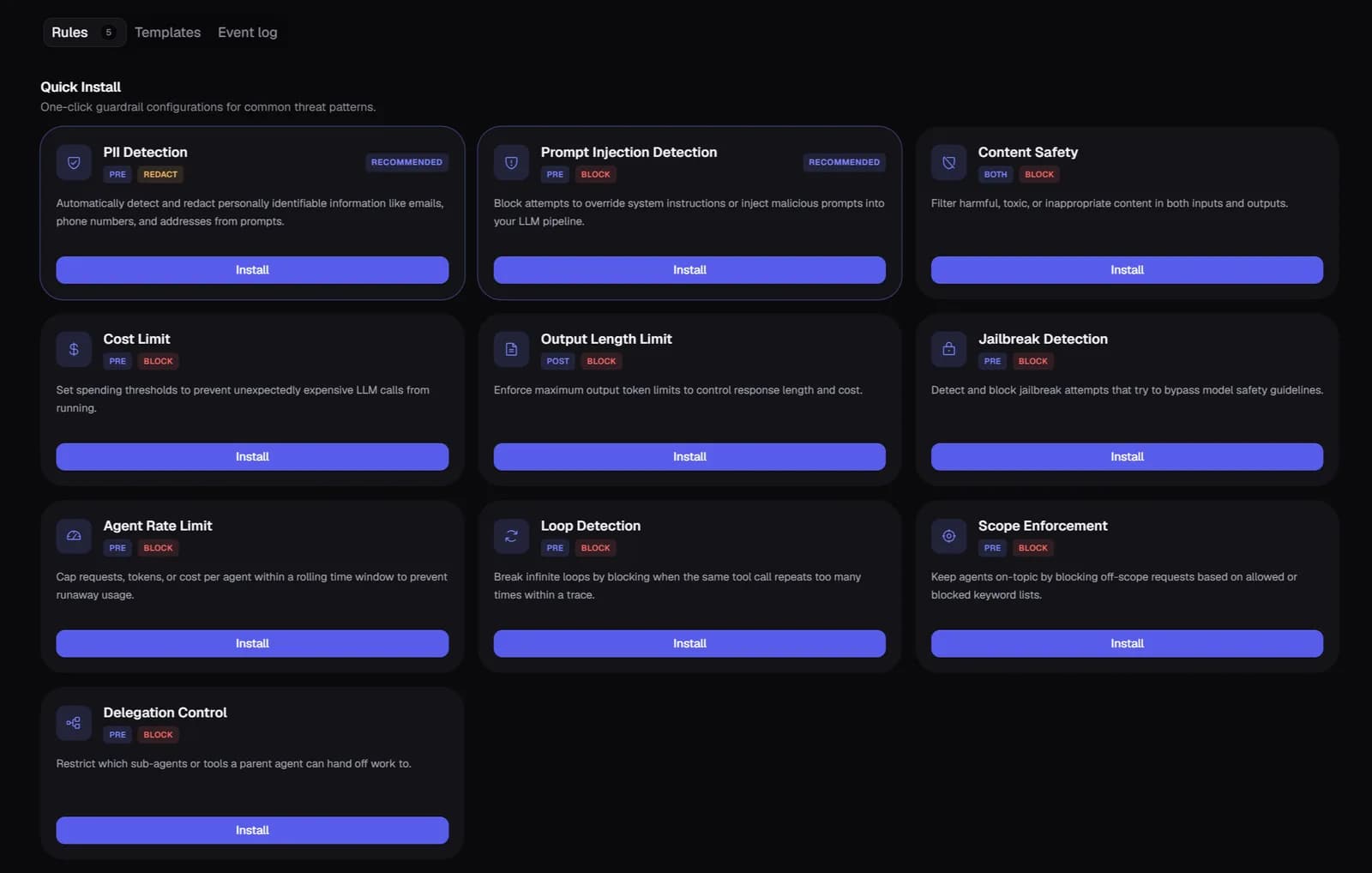
Every sensitive action traces to a specific person, exportable on request
SSO changes, prompt promotions, guardrail edits, billing events, team changes — each one attributed to an actor, an IP, and a timestamp. An auditor asking who changed what gets a log to hand over, not a reconstruction project.
A data subject request is a tracked process, not a manual scramble
A GDPR erasure or access request is queued with a tracked deadline the moment it's filed, duplicate requests are caught automatically, and status is queryable at any point — your DPO gets a documented process instead of a spreadsheet someone maintains by hand.
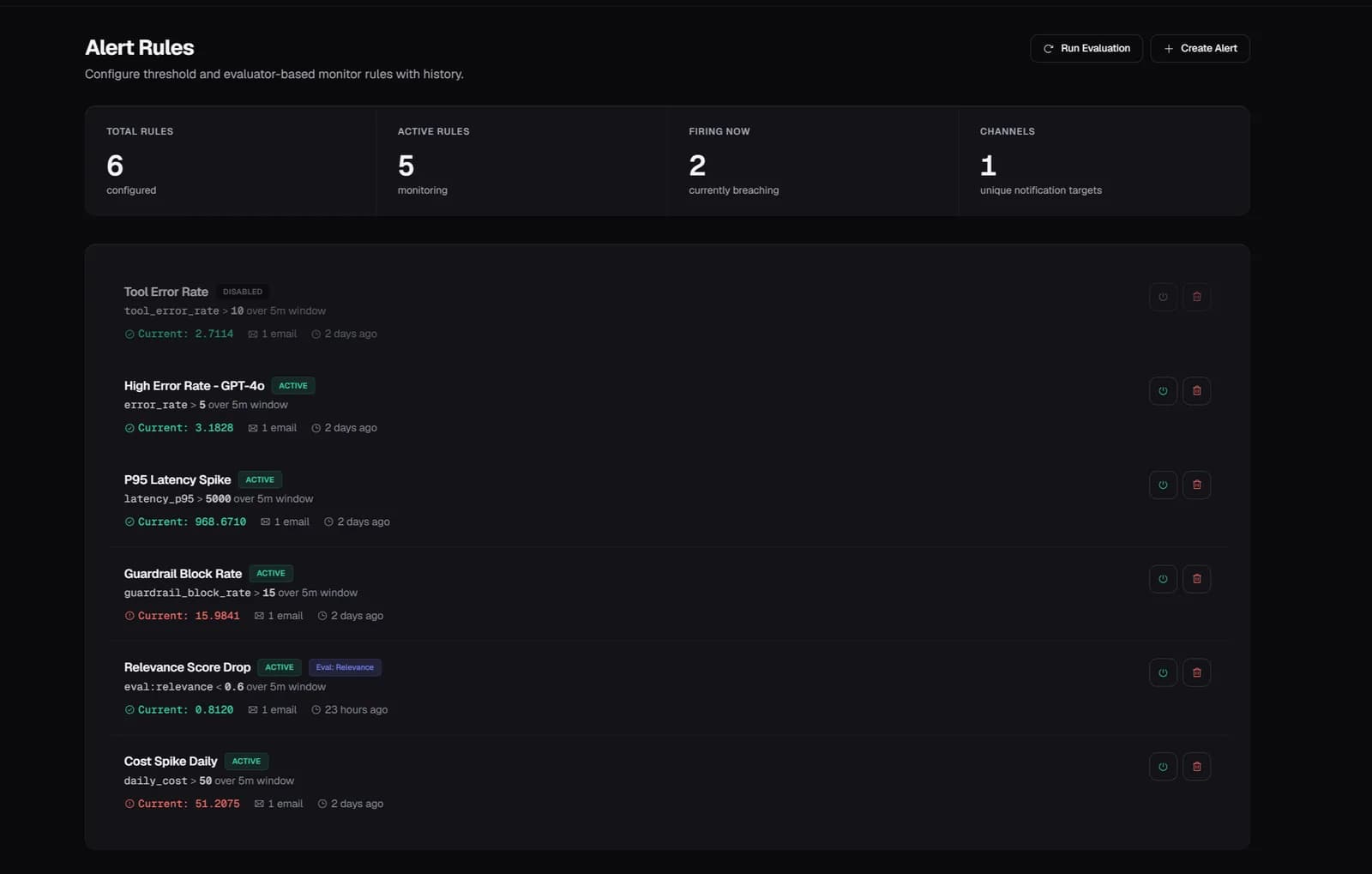
Start free — 50K traces/month, no card needed
See every agent decision, tool call, and handoff in production. Setup takes a few minutes.
Start free →