The problem
Prompt changes break things invisibly
You fixed one output issue and introduced another. You have no automated eval coverage. User feedback is your monitoring.
No quality signal at scale
Manual review covers a dozen traces per sprint. Thousands of production responses go unscored. Quality drift is invisible.
No regression test for prompts
Software teams have CI/CD pipelines. Prompt changes ship to production with no equivalent safety net.
How Zespan helps
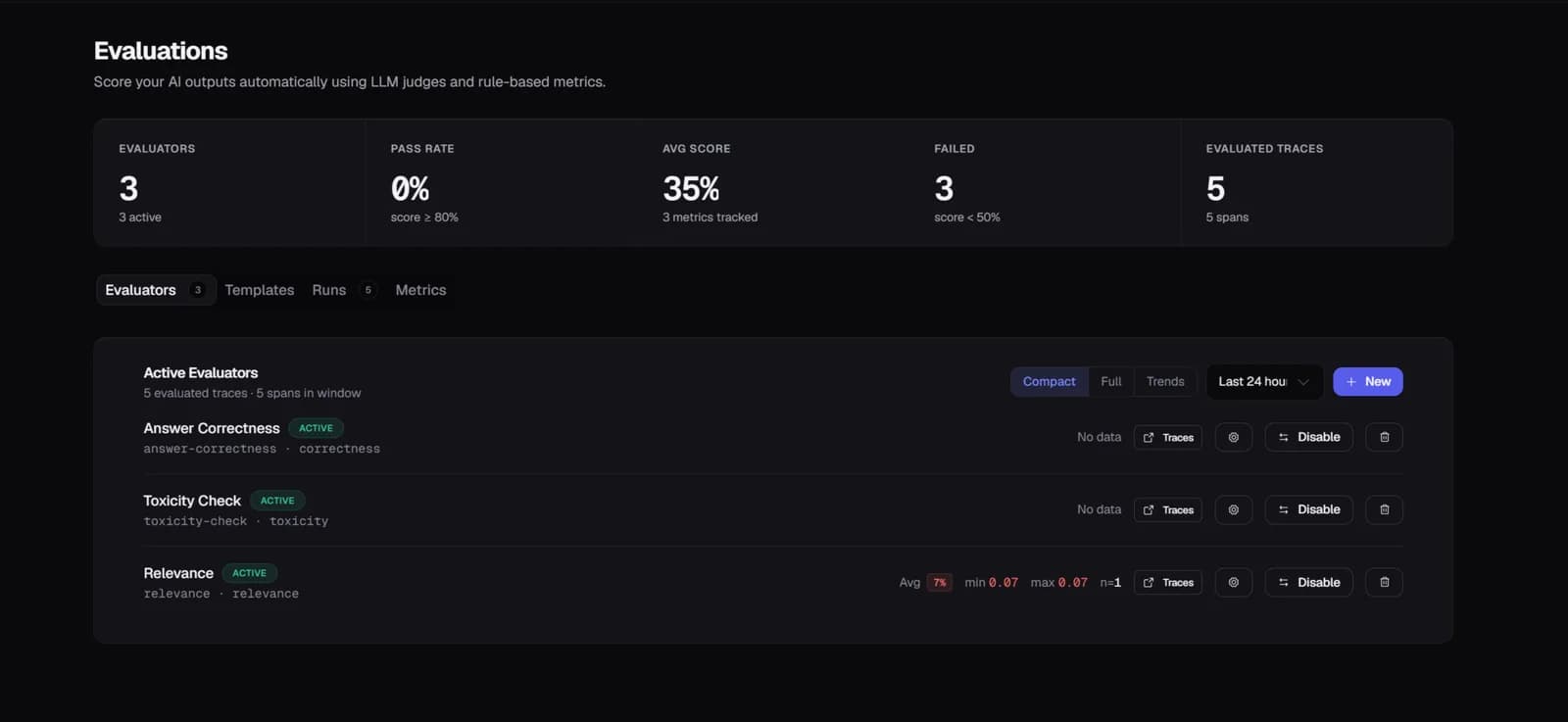
Quality is a number on every trace, not a vibe from occasional spot checks
Correctness, faithfulness, and the other dimensions that matter for your output score automatically on every new trace. Quality drift stops being something you'd only notice by manually reading transcripts — it's a trend line you can actually watch.
A prompt promotion gets checked against history before it reaches everyone
Promoting a new prompt version triggers a comparison against the last two weeks of eval scores. A drop past a meaningful threshold surfaces as a notification before the new version is carrying full traffic — the fix-one-thing-break-another cycle gets caught before it ships wide, not after.
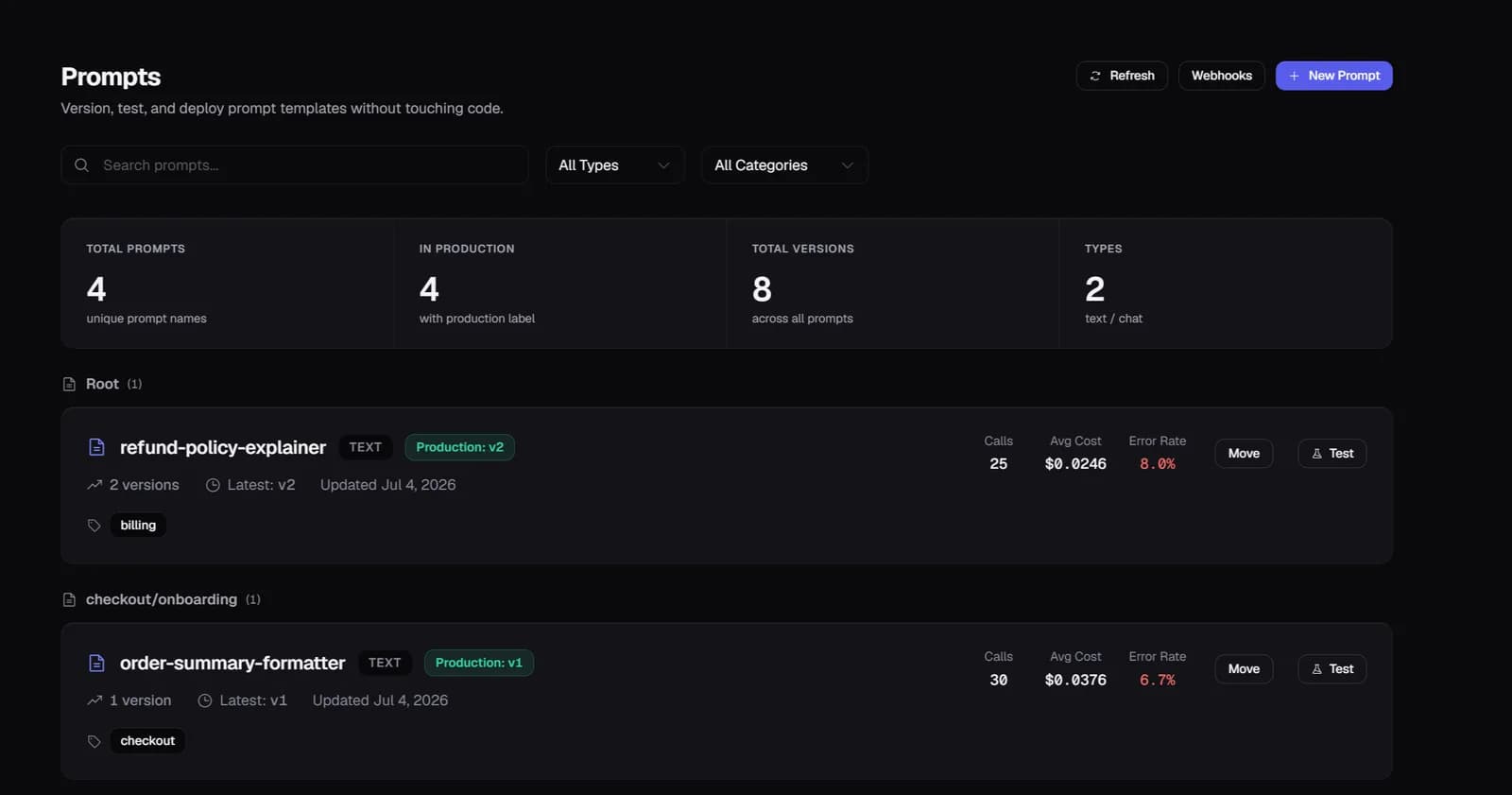
A quality drop comes with a reason, not just a lower number
Comparing scores before and after a promotion is the start, not the end — behind any low-scoring trace is the actual input, output, and the judge's reasoning. "The answer contradicts the retrieved context" tells you what to fix; a 0.4 score on its own doesn't.
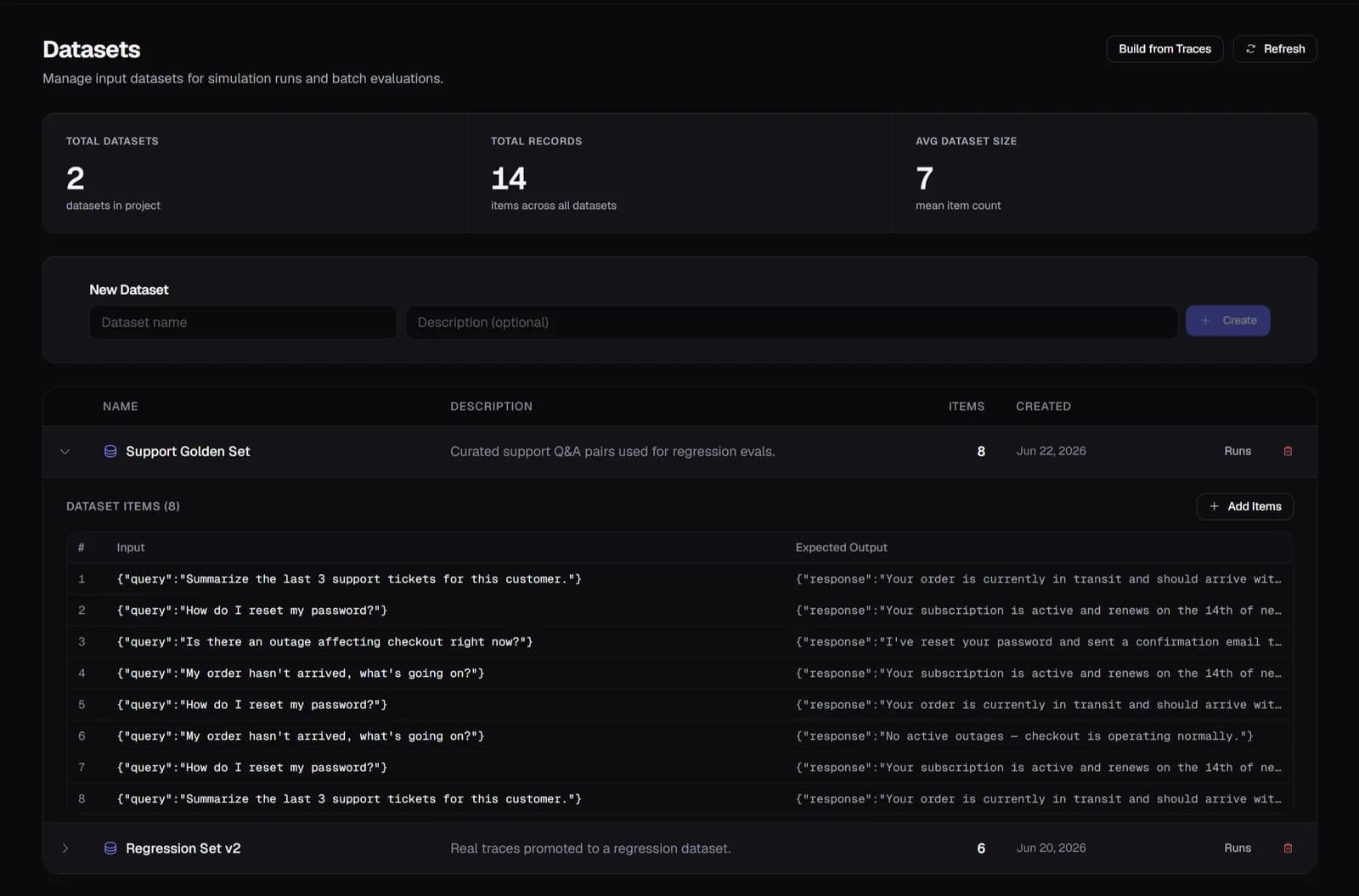
Your test suite is built from what actually broke, not what you guessed might break
The worst-scoring traces from real production become your regression dataset directly — every case in it is something that genuinely happened, and the set grows every time something new goes wrong, instead of staying frozen at whatever you thought to test for at launch.
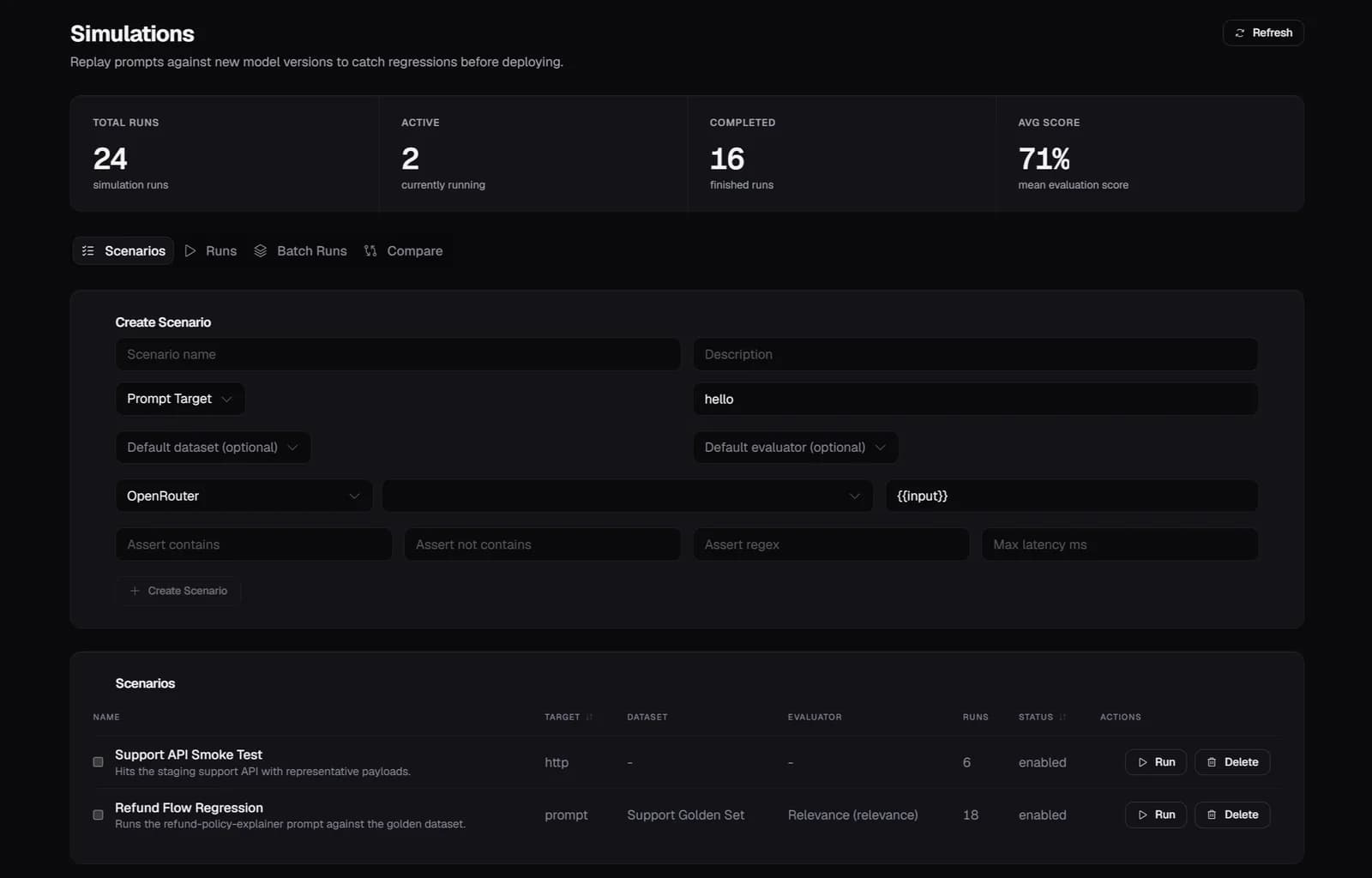
A prompt change earns its way to production instead of being trusted by default
Before the next change ships, it runs against the regression dataset with assertions that have to pass — correctness above a bar, no toxicity, the right answer shape. A failed assertion blocks the deploy the same way a failed test blocks a code merge.
Start free — 50K traces/month, no card needed
See every agent decision, tool call, and handoff in production. Setup takes a few minutes.
Start free →