The problem
Unsafe outputs reach users
Support agents occasionally leak PII, quote wrong prices, or respond to off-topic requests. You find out after the fact, never before.
Quality is hard to measure at scale
CSAT is a lagging indicator. It doesn't tell you which specific responses failed, which conversation caused it, or how often it's happening.
Per-conversation cost is invisible
Some support topics cost 10× more to handle than others. You can't see which — or optimize routing to cheaper models for simpler cases.
How Zespan helps
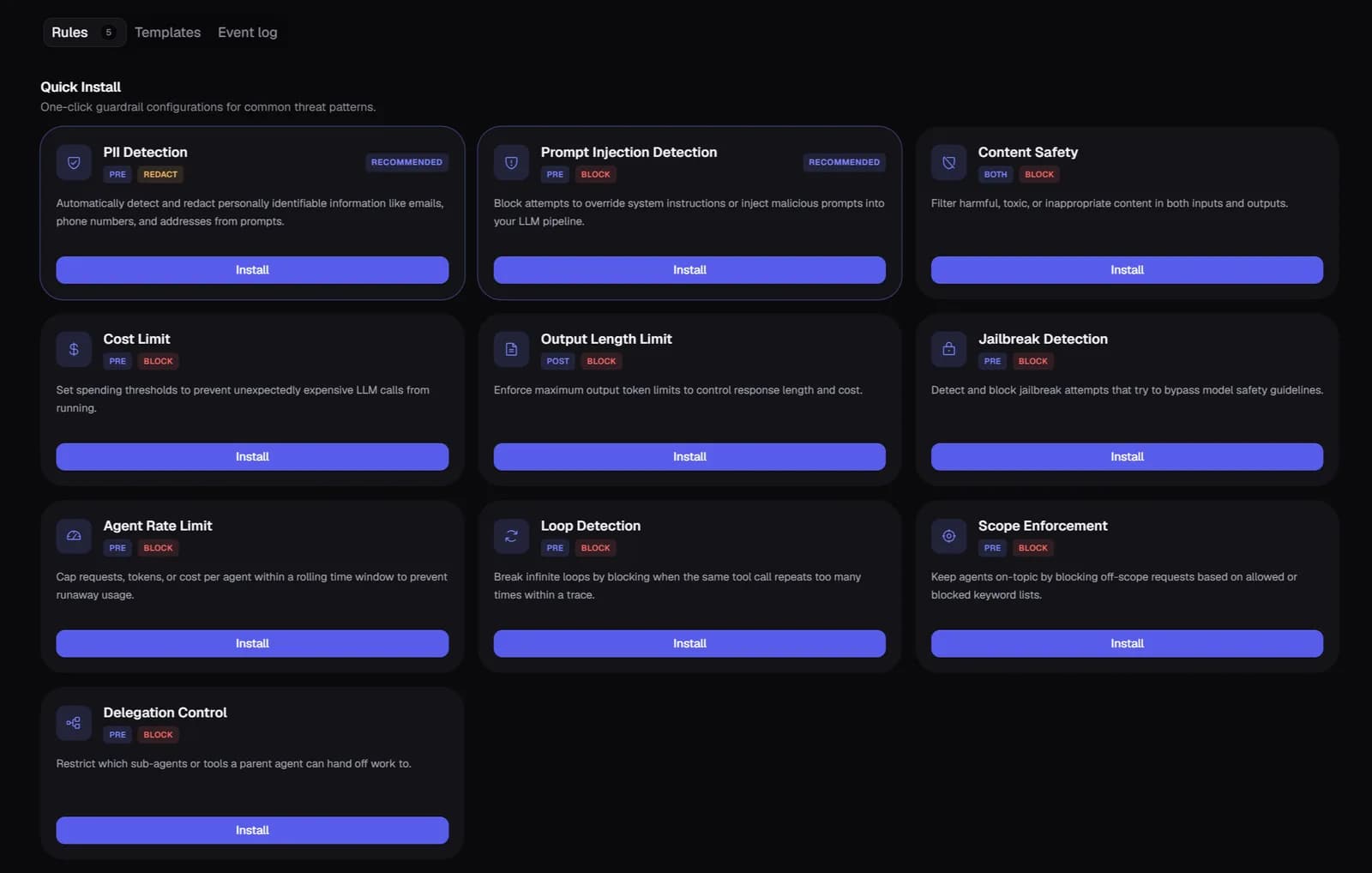
An unsafe or off-script reply gets stopped before the customer sees it
PII gets redacted, toxic output gets blocked, and a topic-boundary rule keeps the agent from answering outside billing, account, or product — enforced on the response itself, so the failure mode isn't "we found out after a customer screenshotted it."
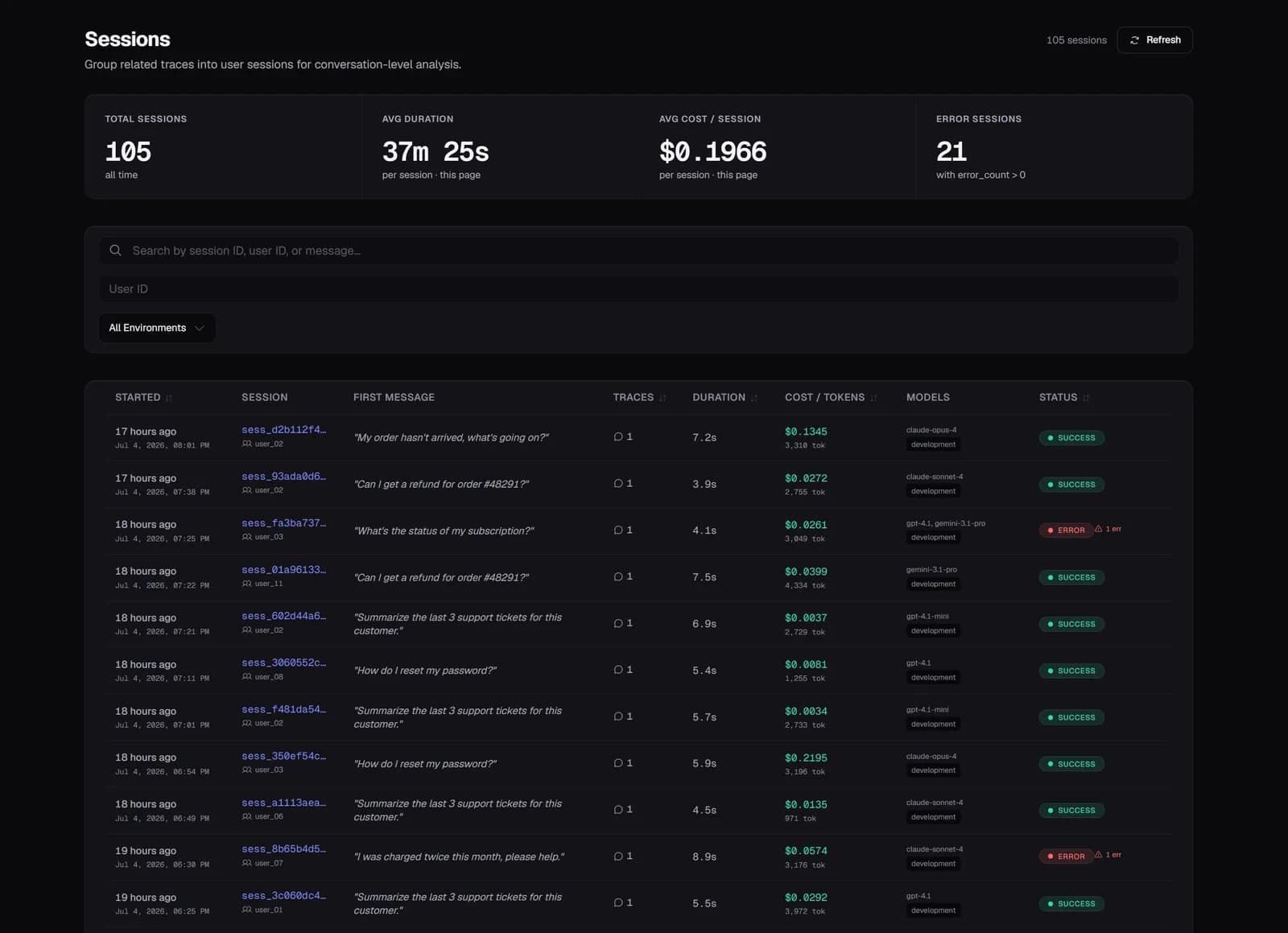
One customer's whole experience is one view, not scattered log lines
Every conversation groups as a session — cost, errors, and every exchange in order. When a customer says the bot argued with them for ten minutes, you're not reconstructing that from raw logs; you open the session.
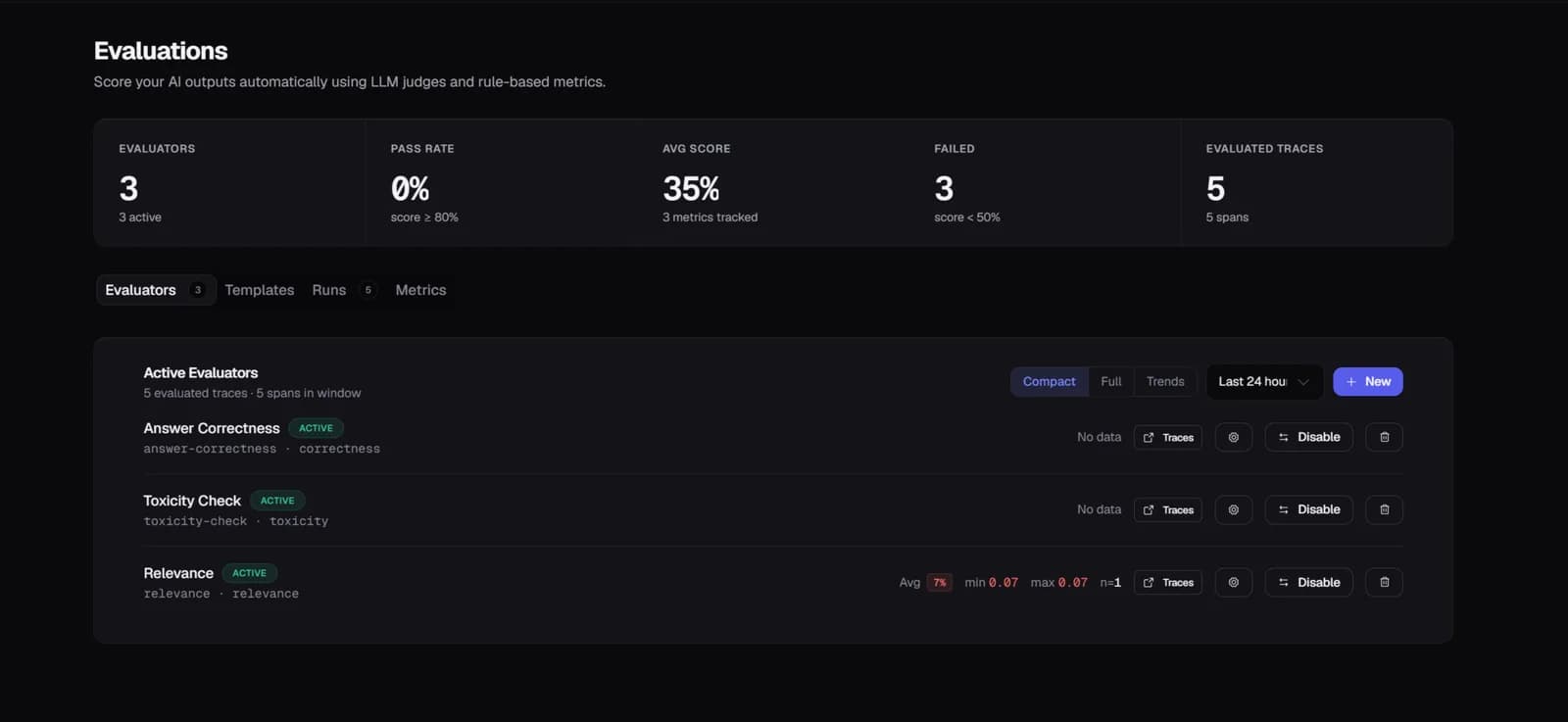
Quality drift shows up as a score, before it shows up as a CSAT complaint
Every support response is checked for whether it actually came from your knowledge base or was generated from the model's memory instead. A faithfulness score sliding down over a week means the knowledge base needs an update or the prompt has drifted — and you know that before it costs you a review.
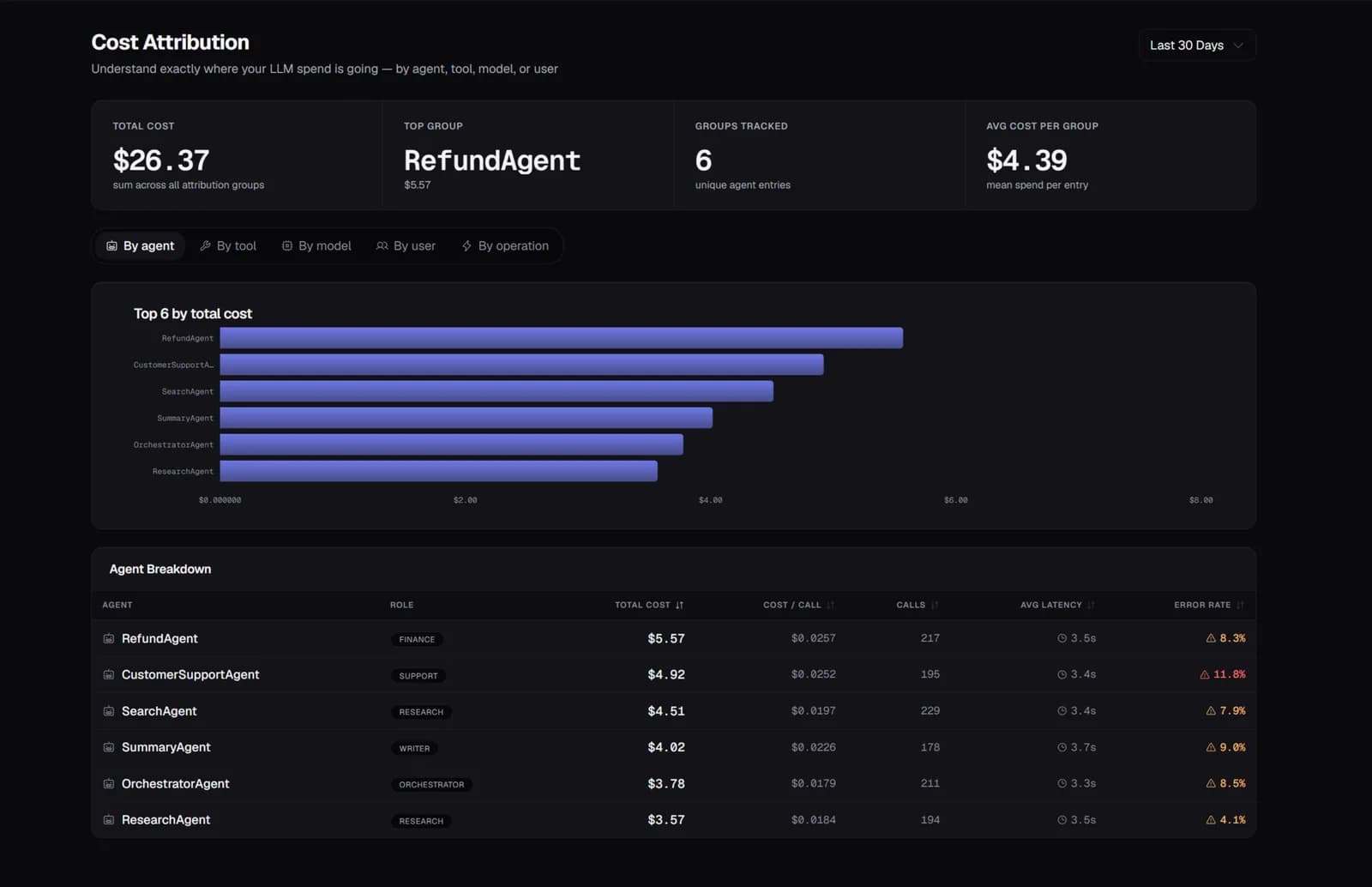
You find out which conversations are quietly expensive
Cost attributed by support topic means a category like billing disputes that costs several times more per conversation than a password reset isn't invisible inside your total spend. That's a concrete target: better knowledge base coverage there, or routing simpler topics to a cheaper model.
A technical failure and a silent quality failure both page you, separately
An error-rate alert catches the agent breaking. A faithfulness alert catches the agent quietly getting worse without ever throwing an error. Both go to your team directly, instead of surfacing as an escalation trend someone eventually notices.
Start free — 50K traces/month, no card needed
See every agent decision, tool call, and handoff in production. Setup takes a few minutes.
Start free →